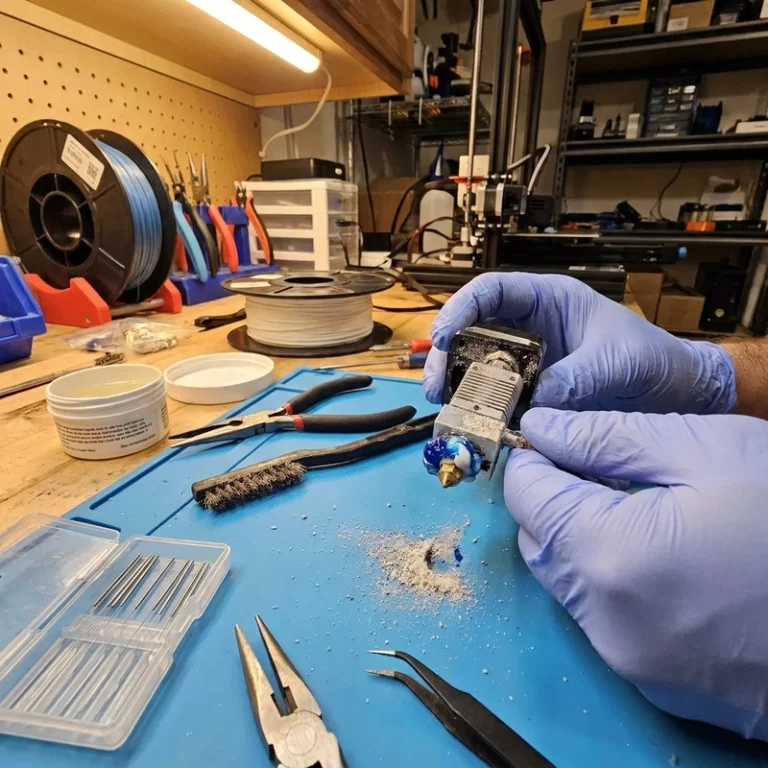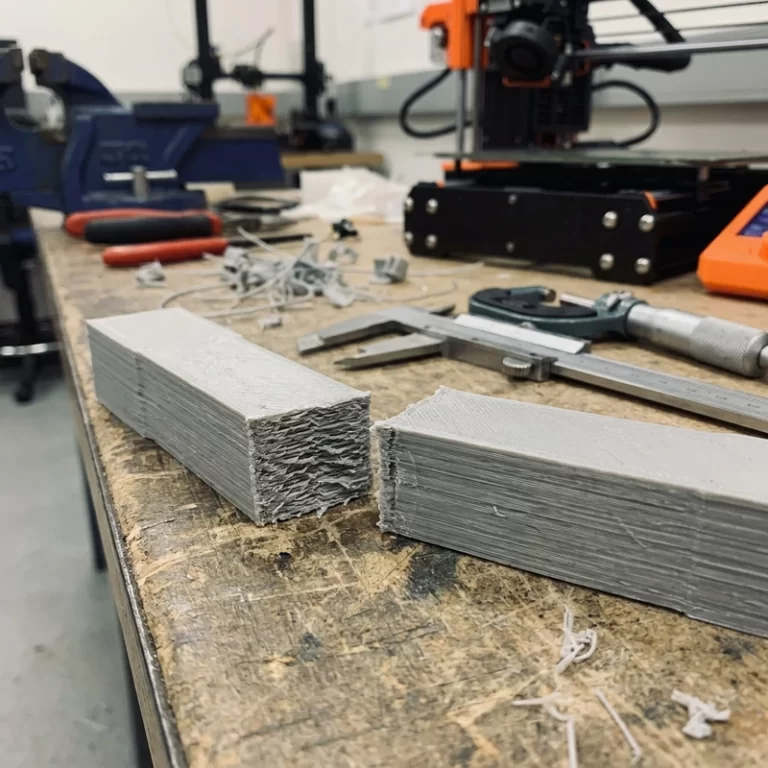
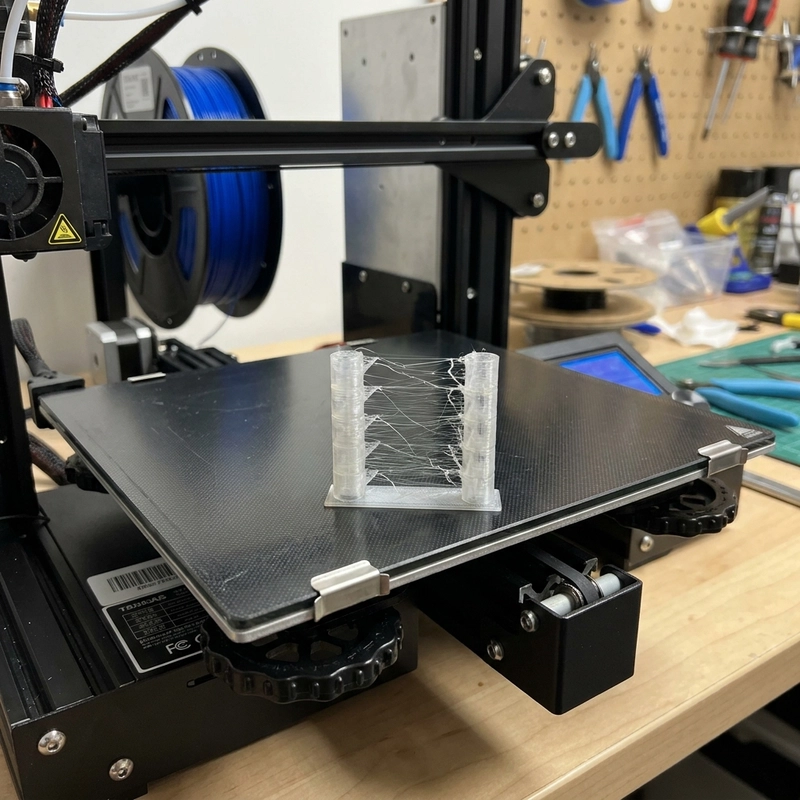
FDM stringing appears as thin plastic hairs stretched between separate features on a print. It happens when molten filament leaks from the nozzle during travel moves—the nozzle moves from one extrusion segment to another, and residual pressure pushes a fine thread of plastic out across the gap. I see stringing most often with PETG, TPU and wet filament, but it can occur with PLA, ABS or nylon when temperature, retraction or travel settings are poorly matched. At Zesmir, I have tuned out stringing on hundreds of profiles, and the fix order almost always follows the same hierarchy: dry first, then temperature, then retraction, then travel speed.
Why Plastic Leaks During Travel Moves
When the printer finishes one extrusion segment and moves the nozzle to another, pressure remains inside the hotend melt zone. If the nozzle is hot and the filament is fluid, a small amount can ooze out during the travel move. Retraction pulls filament back to relieve that pressure. Travel speed determines how long the nozzle spends in motion with residual melt exposed. Temperature controls viscosity—hotter filament flows more easily. Moisture adds steam bubbles inside the melt zone that push material out unpredictably, making stringing worse and less consistent. Four variables interact: retraction distance and speed, nozzle temperature, travel speed and filament dryness.
Direct-drive and Bowden extruders need different retraction values. A Bowden tube is longer and more elastic than a direct-drive path, so it typically needs more retraction distance—commonly 4–7 mm for a Bowden setup versus 0.5–2 mm for direct drive. Flexible TPU is especially sensitive because it compresses in the feed path; aggressive retraction on TPU can make feeding unstable, causing more problems than the stringing it was meant to fix.
| Adjustment | Effect | Risk If Overdone |
|---|---|---|
| Retraction distance | Relieves nozzle pressure during travel | Filament grinding, clogs or gaps at extrusion restart |
| Retraction speed | Controls how quickly pressure is relieved | Filament stripping or extruder motor skipped steps |
| Nozzle temperature | Lower temperature reduces melt fluidity and oozing | Weak layer adhesion or under-extrusion |
| Travel speed | Less time for leakage between features | Ringing, ghosting or skipped steps if exceeding motion limits |
| Filament drying | Eliminates steam-driven oozing | Material degradation if dried above recommended temperature |
Retraction Calibration for FDM Stringing
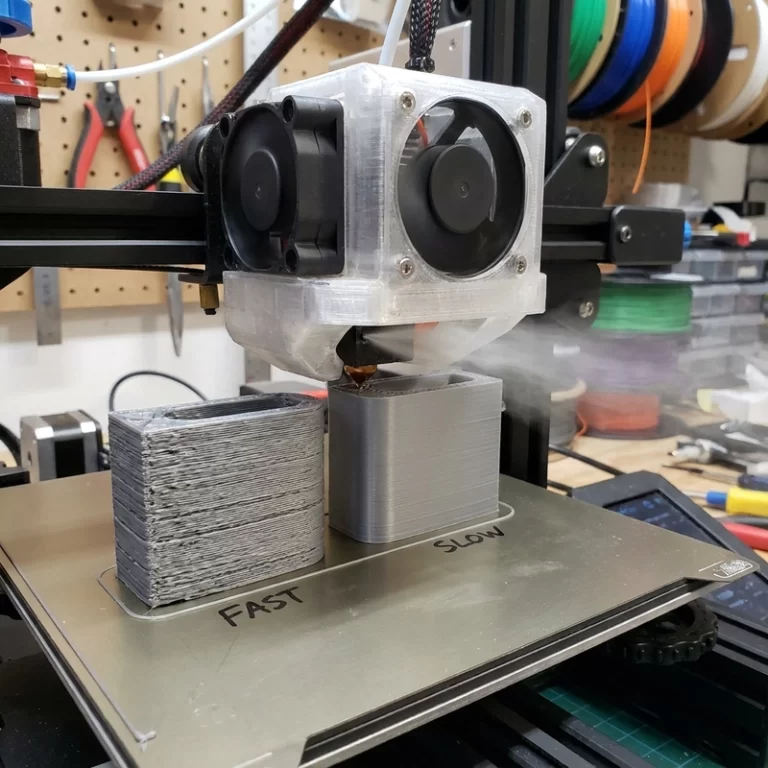
Use a stringing test tower rather than a full model to calibrate retraction. The classic two-pillar test prints two narrow columns separated by a gap; the number and thickness of strings between them gives a direct visual read on retraction performance. Change one variable at a time. Start with the slicer’s default material profile, then adjust retraction distance in 0.5 mm increments for Bowden or 0.2 mm increments for direct drive. If strings reduce but small gaps appear at the start of each extrusion path, retraction distance may be too high or the extra restart distance needs tuning. I typically add 0.1–0.2 mm of extra restart for Bowden setups to compensate for filament slack after retraction.
If the extruder clicks after many retractions during a detailed print, heat creep or filament grinding may be starting. Slicer settings like maximum retraction count and minimum extrusion distance window prevent the extruder from retracting the same section of filament repeatedly, which can grind a flat spot into the filament and cause feed failure. Combing, wipe and coasting settings can reduce stringing on cosmetic surfaces, but they should not be used to hide a wet filament or excessive temperature problem. For visible surfaces, I set travel moves to avoid crossing perimeters whenever possible—internal travel marks may be acceptable while scars across the front face are not.
Temperature and Drying: Fix the Material Before the Slicer
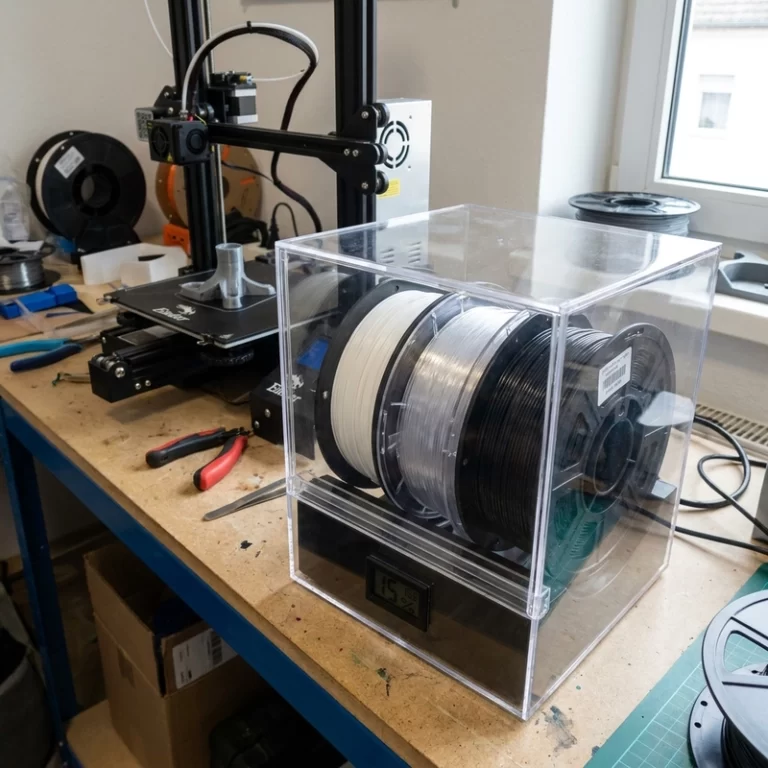
If stringing appears alongside popping, rough surfaces or bubbles, dry the filament before touching retraction. PETG, TPU and nylon absorb ambient moisture and can string badly when wet—drying eliminates the steam-driven oozing that retraction alone cannot fix. I dry PETG at 65 °C for 4–6 hours, nylon at 80–85 °C for 6–8 hours and TPU at 50–55 °C for 4–6 hours before tuning. Temperature towers help identify the lowest nozzle temperature that still gives good layer adhesion and surface quality. Do not drop temperature until layer bonding suffers just to remove a few fine hairs—post-processing with a heat gun or flush cutter takes seconds and does not compromise part strength.
Material-Specific FDM Stringing Behavior
PLA usually strings because temperature is too high, retraction is too low or travel moves are too slow. A well-tuned PLA profile at 200–210 °C with 0.8–1.5 mm retraction (direct drive) or 5–6 mm (Bowden) and 150–200 mm/s travel speed should print nearly string-free. PETG naturally oozes more than PLA and often needs careful temperature tuning rather than extreme retraction; I find PETG strings least at 235–245 °C with 30–50 mm/s retraction speed. TPU strings because it is flexible and compresses in the feed path; slow print speed, direct-drive extruder and minimal retraction (0.5–1.0 mm at 20–30 mm/s) work better than aggressive retraction. Nylon can string badly when wet, so drying must happen before any slicer tuning. Filled materials like carbon-fiber or glass-filled filaments tend to string less because the fillers increase melt viscosity, but they can leave rough travel scars if the nozzle drags across the part surface.
For appearance prototypes, some fine stringing can be removed with a heat gun or light sanding after printing, but travel scars and blobs are harder to repair. If the visible face matters, set slicer travel paths to avoid crossing cosmetic surfaces. A print that runs slightly slower but produces a clean surface saves more time than heavy post-processing cleanup.
For batch production, stringing should be judged with the final material batch and production nozzle, not only with a calibration spool. Pigments, fillers and flexible blends change melt behavior enough to shift the stringing threshold. Record the tuned temperature, retraction distance, retraction speed, travel speed and drying condition. If any of those variables change, rerun a small stringing tower before starting a full build plate.
Practical Fix Order for FDM Stringing
- Dry the filament if moisture is suspected—popping sounds or rough extrusion are clear indicators.
- Print a temperature tower and choose the lowest stable range that still produces good layer adhesion.
- Calibrate retraction distance and speed on a small stringing test tower; adjust one parameter at a time.
- Increase travel speed to 150–250 mm/s within the printer’s stable motion limits to reduce ooze time.
- Enable wipe, combing or avoid-crossing-perimeters settings for cosmetic surfaces if fine strings persist.
- Check for heat creep if stringing worsens during long prints—a degrading hotend fan or clogged heatsink fins can gradually raise melt zone temperature.
FDM stringing is usually a balance problem rather than a serious printer failure. The cleanest prints come from dry filament, stable nozzle temperature and retraction values matched to the extruder type and material. At Zesmir, we tune stringing out of every production profile before the first part runs—because post-processing time scales with part count, and a clean print is cheaper than a cleaned print.
Need FDM prints with clean cosmetic surfaces and minimal post-processing? Contact Zesmir with your part and surface requirements—we will tune the profile so stringing does not reach your parts.