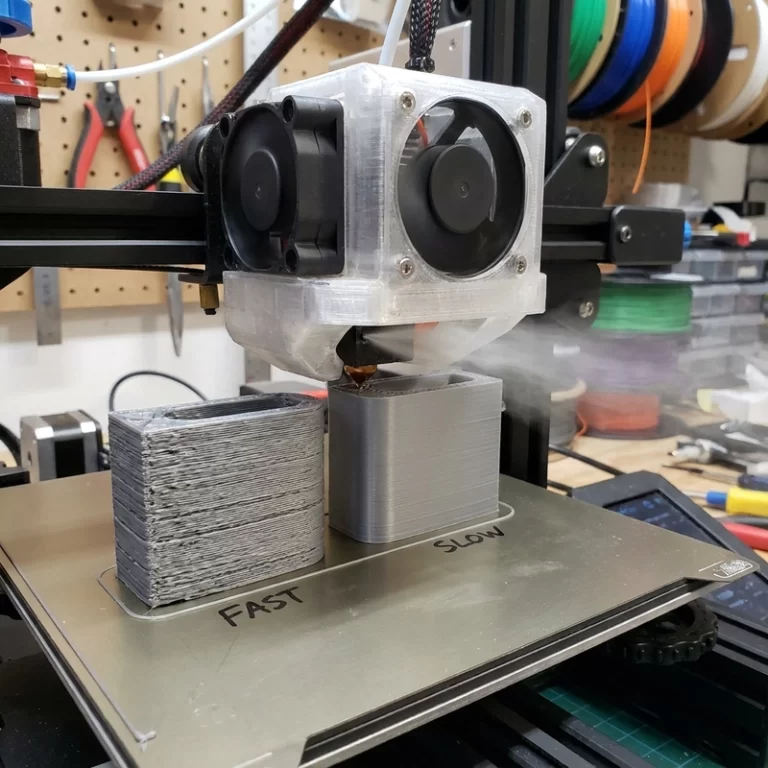
A visible blockage at the nozzle tip is often only the symptom. Under-extrusion, extruder clicking, missing lines and weak layers can come from wet or dusty filament, low temperature, degraded material, heat creep, a worn PTFE tube, excessive retraction or an abrasive filament that has damaged the bore. Trace the feed path before replacing parts at random.
Pushing temperature higher is not always the fastest repair because overheated polymer can carbonize inside the hotend. First decide whether the symptom is a partial clog, feed restriction, heat creep or contamination. That classification determines whether to purge, cold-pull, inspect the heat break, correct cooling or replace a worn nozzle.
Common Symptoms of FDM Nozzle Clogging
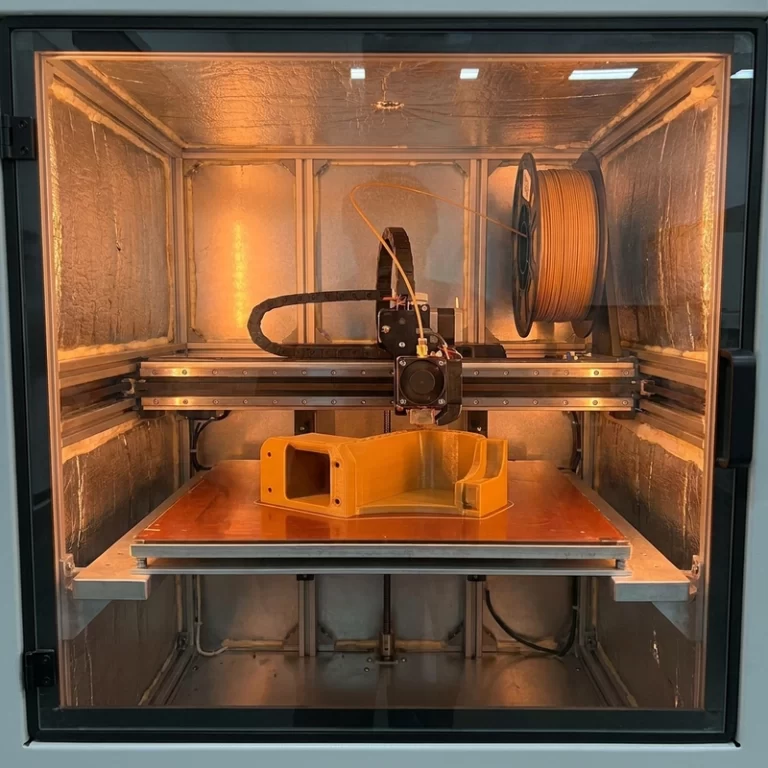
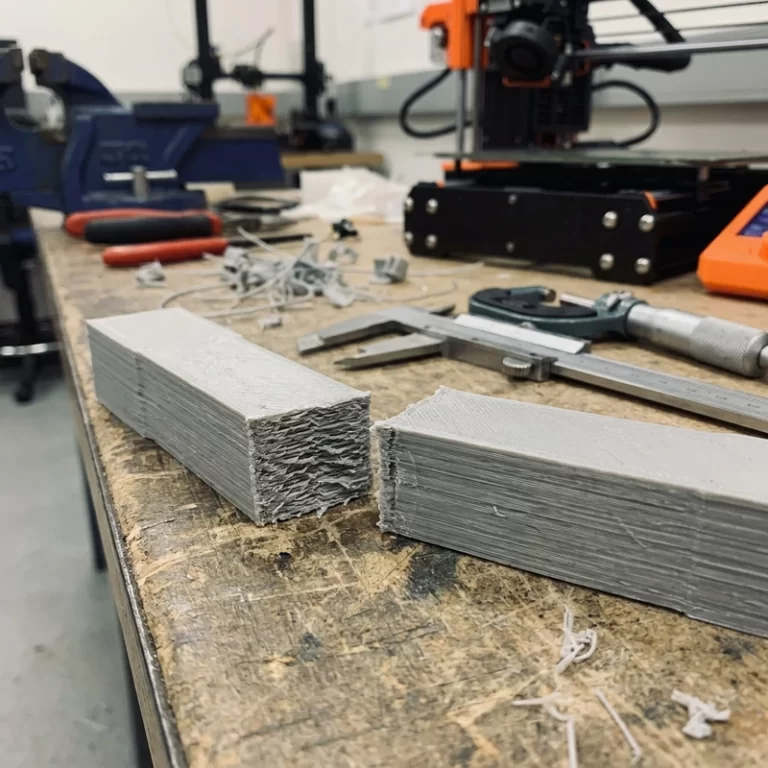
A partial clog often produces thin extrusion lines, gaps in infill, weak walls and rough surfaces. A full clog stops material flow entirely. If the extruder gear clicks or grinds filament, the motor is trying to push filament against resistance—this is a pressure-side problem, not a drive-side one. If extrusion works at the start but fails after twenty or thirty minutes, heat creep may be softening filament too high in the hotend, above the heat break, causing it to swell and jam before reaching the melt zone.
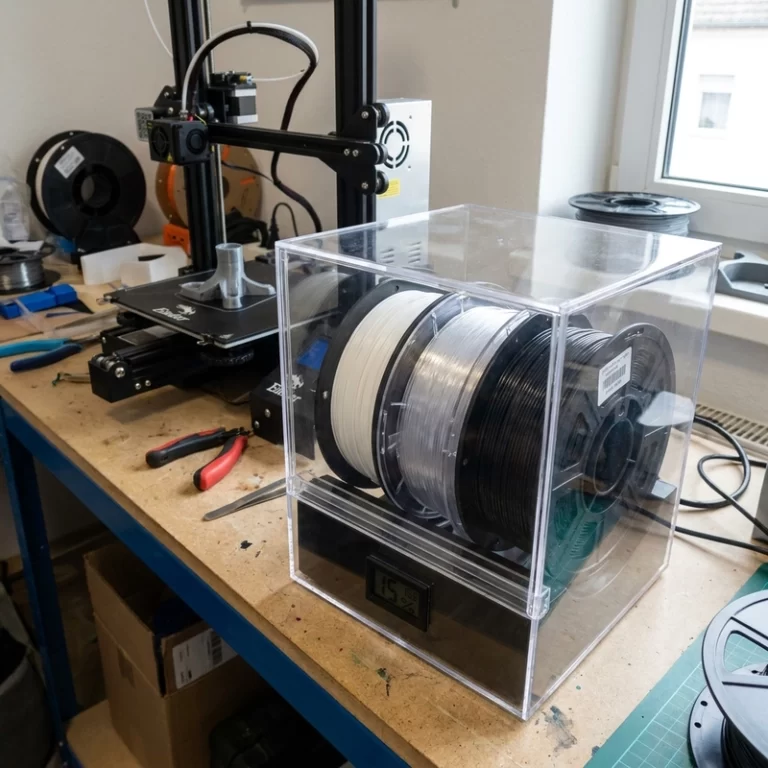
Moisture can mimic a clog convincingly. Wet filament may pop, hiss, bubble and leave rough strings or weak layers that look exactly like partial clogging. Dust on filament accumulates in the nozzle over thousands of extrusion cycles, gradually reducing the effective orifice size until flow restriction triggers the same symptoms. This is why material storage and a simple filament dust filter can reduce maintenance work by half.
| Symptom | Likely Cause | First Check |
|---|---|---|
| Extruder clicking | Back pressure from clog or low temperature | Raise temperature 5–10 °C and test manual extrusion |
| Print fails after long run | Heat creep | Check hotend fan is spinning at full speed; verify heat break cooling |
| Rough bubbly extrusion | Wet filament | Dry filament and inspect storage condition |
| Repeated clogs with filled filament | Nozzle wear or particle size exceeds orifice | Switch to hardened steel nozzle, consider 0.6 mm bore |
| Gaps in top surface | Partial clog or under-extrusion | Check flow rate, nozzle, drive gear tension and filament path friction |
Cleaning Methods: Cold Pulls, Needles and Replacement
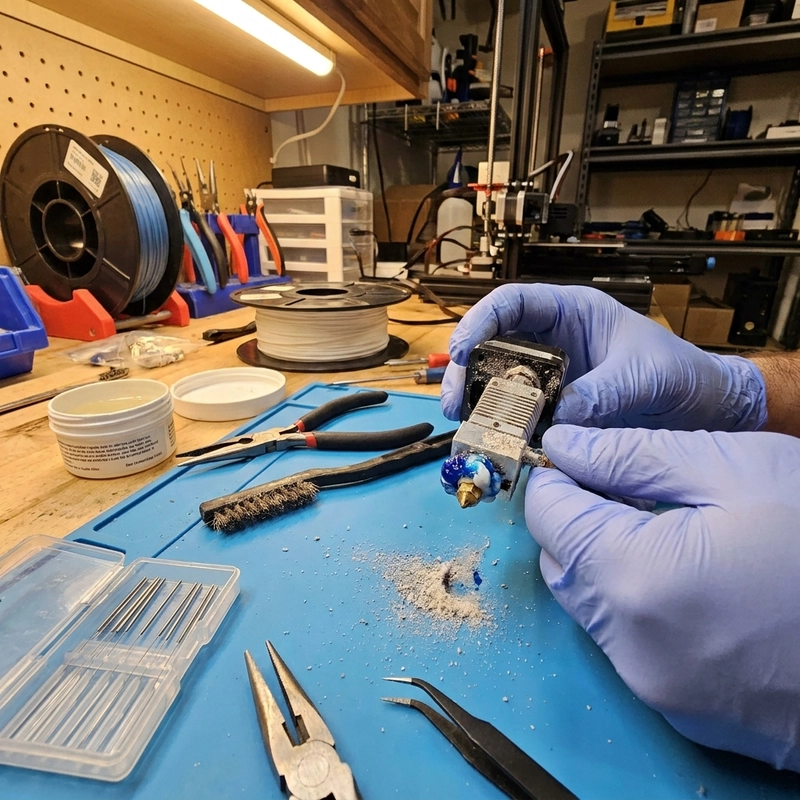
For a light clog, heat the nozzle within the normal range for the material and test manual extrusion. If flow remains uneven, use a cold-pull procedure approved for the hotend and cleaning filament. Follow the equipment and material guidance for pull temperature, repeat only as needed and then purge enough fresh filament to confirm a stable strand.
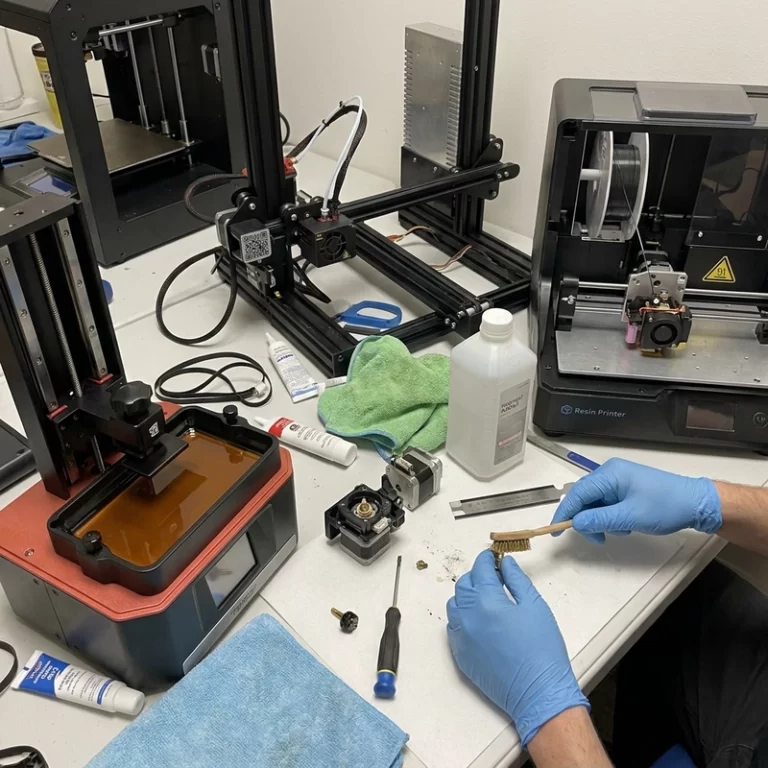
A fine cleaning needle can clear the orifice but will not remove residue higher in the melt zone. Brass nozzles are easy to scratch, and abrasive filaments can enlarge the bore. Inspect or replace a worn nozzle rather than repeatedly forcing tools through it. Treat nozzle changes as a controlled consumable step and record the size and material used for a repeat batch.
Preventing FDM Nozzle Clogging
- Store hygroscopic filaments such as nylon, TPU and PC in sealed dry containers with desiccant—do not leave spools on the printer overnight.
- Dry filament before critical prints if popping or rough extrusion appears; a filament dryer running at the correct temperature for 4–8 hours resolves most moisture-driven clogs before they start.
- Use the correct nozzle temperature for the material and print speed—printing too cold forces the extruder to work harder and can strip filament, while printing too hot risks carbonization inside the hotend.
- Keep the hotend cooling fan running at full speed at all times during printing to prevent heat creep; a failing fan bearing or dust-clogged heatsink is a common hidden cause.
- Use hardened steel or ruby-tipped nozzles for abrasive filled materials; a standard brass nozzle can wear past tolerance after a single spool of carbon-fiber nylon.
- Clean the extruder drive gear regularly—ground filament dust reduces feed force and can cause the gear to slip, making it look like a nozzle clog when the nozzle is actually clear.
- Install a filament dust filter—a simple foam wiper or sponge clip on the filament path catches airborne dust before it enters the hotend.
Production Notes for Repeat Jobs
For one-off hobby prints, a cleaned nozzle may be enough. For repeat production, nozzle condition should be tracked by print hours and material type. A brass nozzle that has printed carbon-fiber nylon, glow-in-the-dark filament or glass-filled material may become oversized, which changes line width and dimensional accuracy even if it is not clogged. If several parts must match within tolerance, replace the nozzle before the batch rather than halfway through. Keep a record of nozzle material, bore diameter, print temperature and filament drying condition so a successful setup can be repeated across production runs.
Clogging risk also feeds into quoting decisions. If a part requires tiny text, thin walls and abrasive engineering filament, a 0.25 mm nozzle may seem attractive for detail resolution but clogs more often and prints slowly. A 0.4 mm or 0.6 mm nozzle improves reliability at the cost of some fine detail. For functional parts where surface finish and dimensions matter more than ultra-fine text, the more robust nozzle-and-material combination is usually the right call. Reserve fine details for post-processing or an alternative process if clogging risk is too high.
After nozzle maintenance, run a short extrusion check, verify flow with a defined calibration part and inspect the first layer before starting a long build. For repeat orders, keep the nozzle specification and material setup consistent across the batch. Retain a failed or worn nozzle when root-cause evidence may be needed.
Repeated clogging is a process signal. Review filament dryness and cleanliness, nozzle size and wear, temperature, retraction and hotend cooling before blaming the printer. Record what changed between successful and failed builds so the next corrective action is based on evidence.
Need reliable FDM production with minimal downtime? Contact Zesmir with your part requirements—we will recommend the right nozzle, material and process controls for consistent batch output.