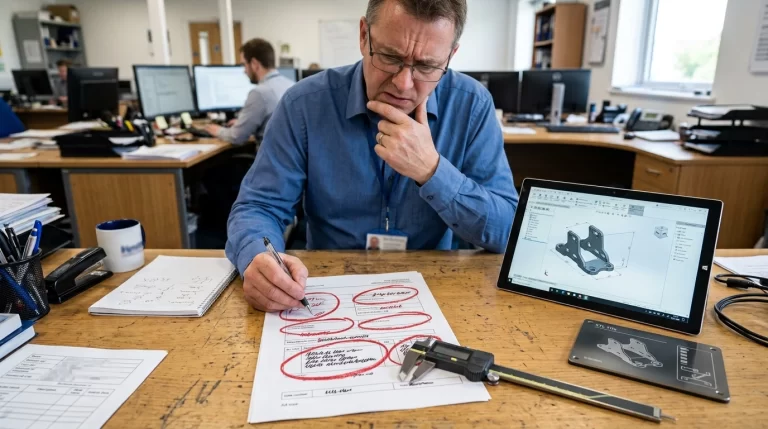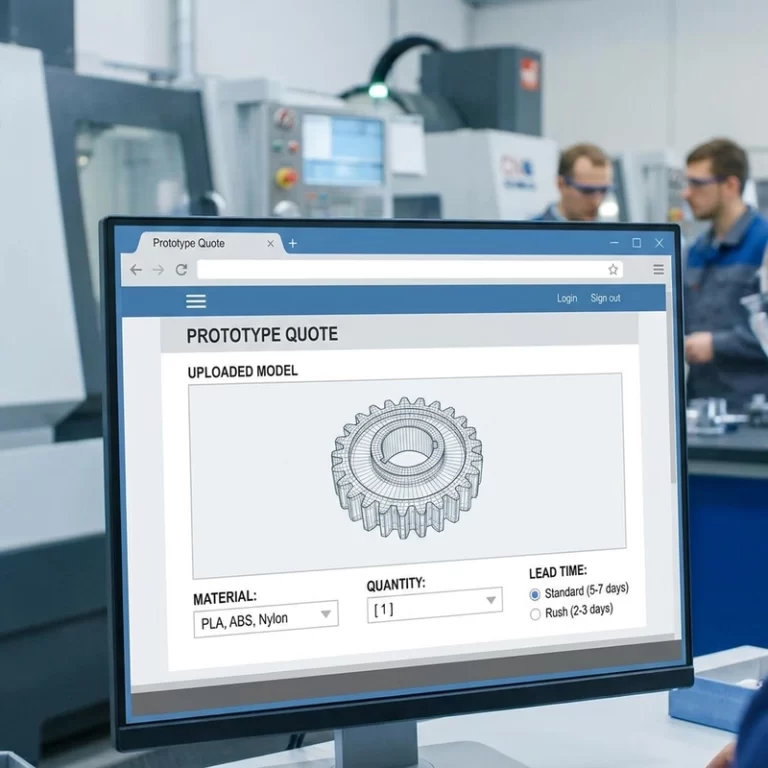
Most slow quotes are not delayed by printer choice. They are delayed by a file with no units, an unknown quantity, a finish described only as “nice,” or a tolerance applied to every surface. This 3D printing RFQ checklist is the order I use to turn a file package into something a production team can quote without filling the gaps with guesses.
The same logic works for SLA resin models, MJF or SLS nylon parts, FDM fixtures, metal printing and jobs that combine printing with CNC machining. The answers will change by process. The questions should not.
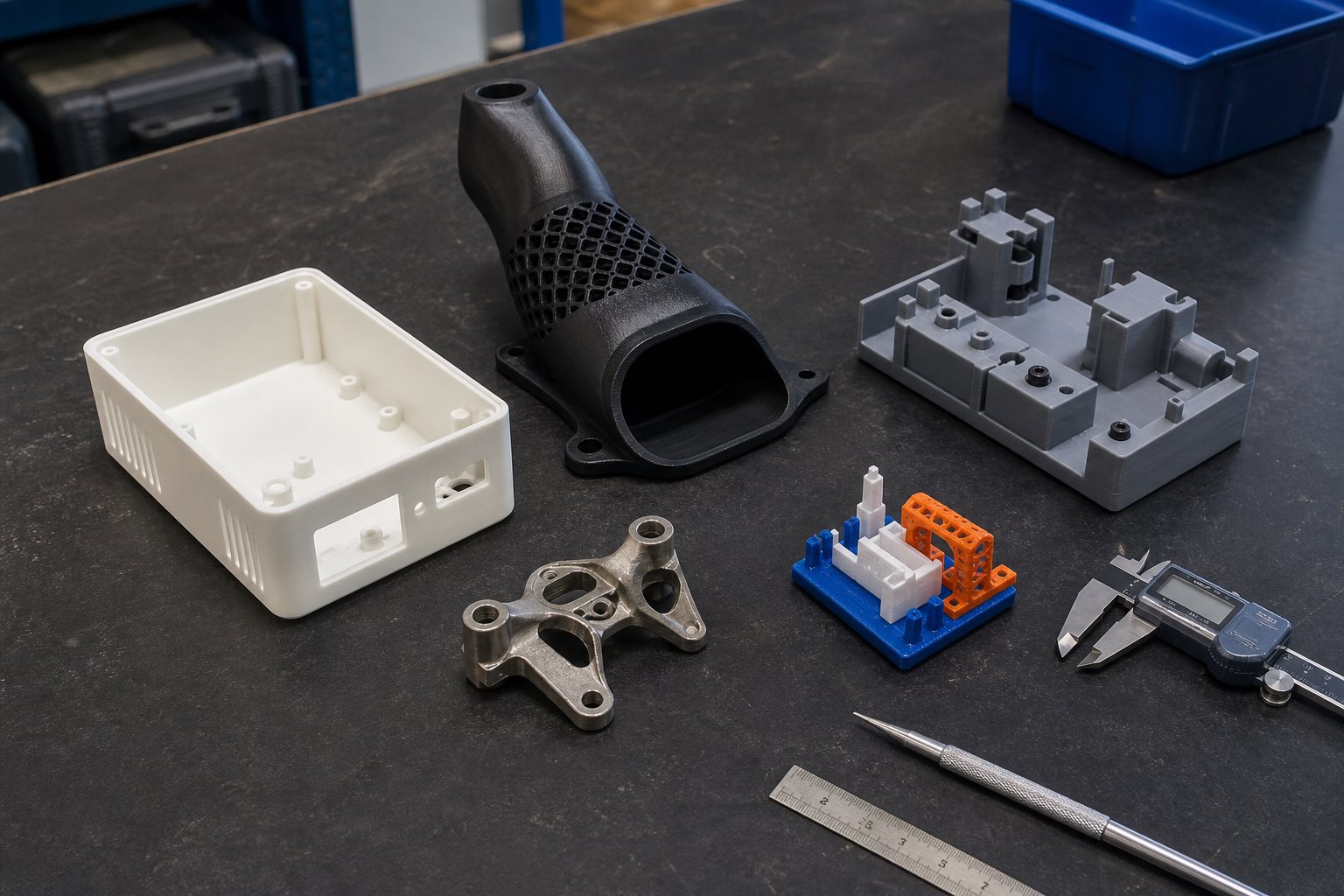
Start the 3D Printing RFQ Checklist With the File Revision
I normally start with the least glamorous detail: which file is current. A folder containing “final.stl,” “final-new.stl” and “final-v3-use-this.stl” is an invitation to quote the wrong geometry. Put the revision in the filename or in a short RFQ note, and remove obsolete files from the upload package.
1. Send the useful file formats, scale and units
STL and OBJ describe tessellated surfaces. They are common for printing, but they do not carry the same editable geometry as a STEP file. For an engineering part with holes, mating faces or possible CNC finishing, I prefer receiving STEP together with the print mesh when both are available. State whether the model is in millimetres or inches. Do not rely on the filename to communicate scale.
Before uploading, check that the mesh is closed, the intended wall thickness is modeled and separate parts have not been exported as one accidental shell. The STL file preparation guide covers the common geometry checks in more detail.
Quantity and Function Change the Manufacturing Route
2. Separate the first sample from the expected batch
“One piece” can mean a one-off prototype, or it can mean one approval sample before a batch of 200. Those are different jobs. Batch quantity affects nesting, orientation, finishing labour, inspection planning and whether vacuum casting or another process should be considered. Include the sample quantity, the likely repeat quantity and whether the design is still changing.
For that reason, the 3D printing RFQ checklist records both the immediate order and the likely production route.
3. Describe what the part must do
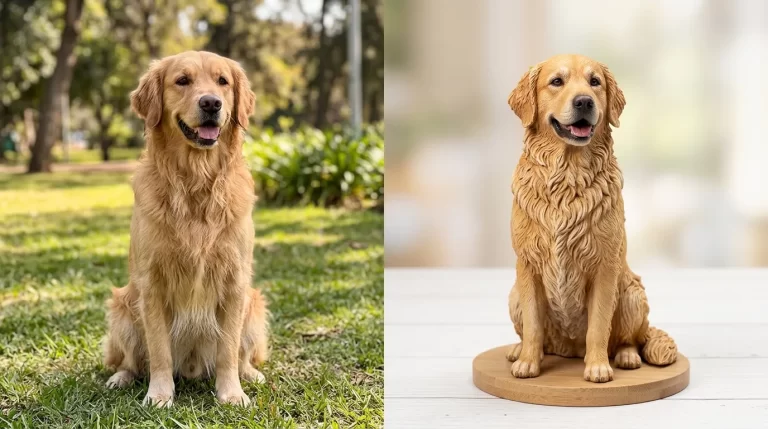
A material name is useful, but the use condition is more useful. Tell the reviewer whether the part is a visual model, a snap-fit cover, a duct, a drilling fixture, an outdoor enclosure or a hand-painted display piece. Mention heat, repeated flexing, chemical contact, impact, UV exposure or load direction when any of them matter. I would not choose a material from colour and surface finish alone.
If you are still comparing processes, the custom 3D printing service page explains where SLA, MJF, SLS, FDM, metal printing, full-colour printing and hybrid CNC work usually fit. It is a process map, not a substitute for reviewing the actual part.
A 3D Printing RFQ Checklist for Tolerance and Finish
4. Mark critical dimensions instead of tolerancing everything
A blanket tight tolerance across the drawing rarely helps. It can make the quote expensive without improving the part. Mark the dimensions that control assembly or function: a bearing seat, connector opening, hole centre distance, flat mounting face or mating width. Identify dimensions that may be machined after printing. Leave cosmetic surfaces out of the critical list unless their shape is functional.
The achievable result depends on process, material, part size, orientation, thermal behaviour and post-processing. A CAD gap is not automatically the final physical gap. For more design context, use the 3D printing design guidelines before assigning clearances or thin features.
5. Define visible faces, colour and surface condition
“Smooth” is not a complete finish specification. Raw SLA, sanded primer, painted resin, raw nylon, dyed PA12, tumbled nylon and machined metal all look and feel different. Mark the customer-facing surfaces and say whether support marks, layer lines, powder texture or minor colour variation are acceptable. If colour matching matters, provide a reference system or a physical sample rather than relying on a monitor image.
Assembly Details Belong in the RFQ, Not After the Print
6. Call out threads, inserts and mating components
Threads may be printed, tapped after printing, or made with installed inserts. The right route depends on process, thread size, access, service load and how often the joint will be used. Include screw specifications and, when possible, the mating component or its drawing. The same applies to bearings, magnets, pins, electronics and adhesive joints.
The 3D printing RFQ checklist should also say whether inserts and hardware are supplied by the buyer or included in the manufacturing scope.
7. State the inspection and acceptance method
Inspection should follow the functional risk. A display model may need visual approval and colour review. A housing may need a fit check against the mating part. A machined interface may need dimensional inspection at identified points. Say what report, sample approval or fit test is required. Do not assume a general inspection note means every surface will be measured.
8. Include packaging and destination constraints
Painted models, thin clips, sharp metal parts and assembled products need different packing. Provide the delivery country, required arrival date, individual packing needs, label requirements and whether the shipment is a sample or retail-ready stock. Shipping cannot rescue a deadline that was never included in the RFQ.
What I Would Put in One RFQ Package
- Current STL, OBJ or STEP files with revision and units.
- Sample quantity and expected batch quantity.
- Part function and operating conditions.
- Critical dimensions, mating information and assembly hardware.
- Material preference plus acceptable alternatives.
- Visible faces, colour, finish and post-processing requirements.
- Inspection, packaging, destination and target date.
This 3D printing RFQ checklist does not force the buyer to know every manufacturing answer. Its job is to separate requirements from preferences and expose the assumptions early. ASTM International maintains a useful neutral reference for additive manufacturing terminology and standards activity, but a standard name alone does not qualify a design or material for a particular use.
When the package is ready, send it through the Zesmir RFQ page. A short, specific note is usually more valuable than a long message that leaves out revision, quantity or critical dimensions.